tdx
Your todos, in markdown, done fast.
View on GitHub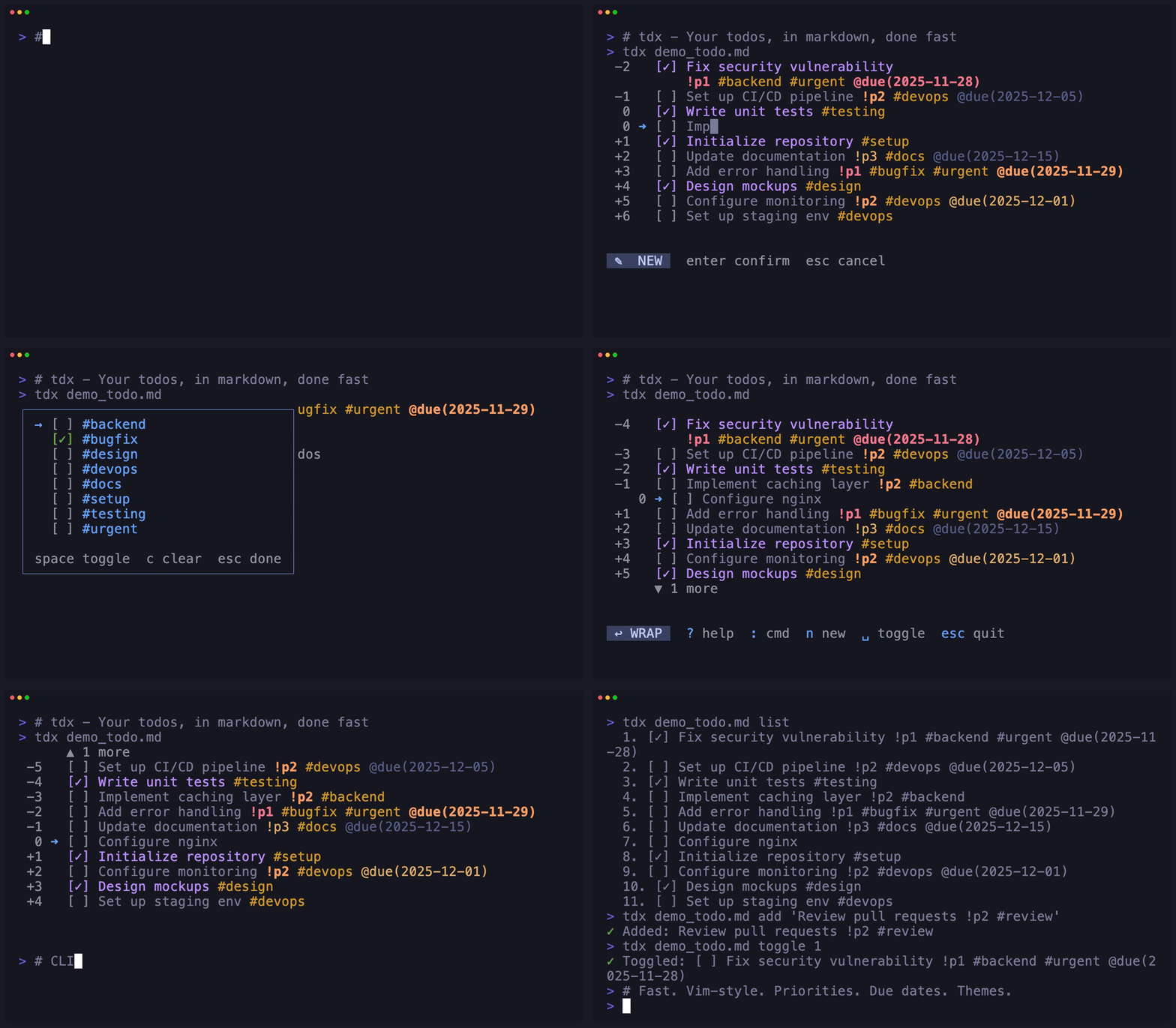
Installation
Homebrew (macOS/Linux)
brew install niklas-heer/tap/tdx
Quick Install Script
curl -fsSL
                                https://niklas-heer.github.io/tdx/install.sh |
                                bash
Download Binary
Nix
nix run github:niklas-heer/tdx
Fast
Single 4MB binary with instant startup. 30-40x faster than alternatives.
Markdown-native
Todos live in todo.md. Version control friendly, human readable.
Vim-style
Navigate with j/k, relative jumps (5j), and number keys.
Interactive TUI
Toggle, edit, delete, undo, move, copy. Fuzzy search, tag filtering, and live updates.
Command Palette
Helix-style : commands with fuzzy search. Sort, filter, check all, and more.
Scriptable
CLI commands: list, add, toggle, edit, delete for automation.
Cross-platform
Works on macOS, Linux, and Windows.
Smart Sync
Auto-merge external changes with reactive file watching. Edit in multiple places safely.
Tags
Organize with #tags inline. Filter by tag with multi-select. Color-coded for quick scanning.
Priorities
Mark todos with !p1, !p2, !p3. Sort and filter by priority. Color-coded display.
Due Dates
Add @due(YYYY-MM-DD) to todos. Sort and filter by date. Color-coded by urgency.
Customizable
13 built-in themes (including all Catppuccin variants), custom themes support, live theme picker, per-file settings.
Global Config
Set defaults in ~/.config/tdx/config.toml.
Configure default file, theme, and behavior.
Recent Files
Jump to recently opened files with cursor position
restoration. Use tdx last for quick access.
Nested Tasks
Organize todos hierarchically with Tab/Shift+Tab. Subtasks indent under parents automatically.
Advanced: Checklists & Per-File Config
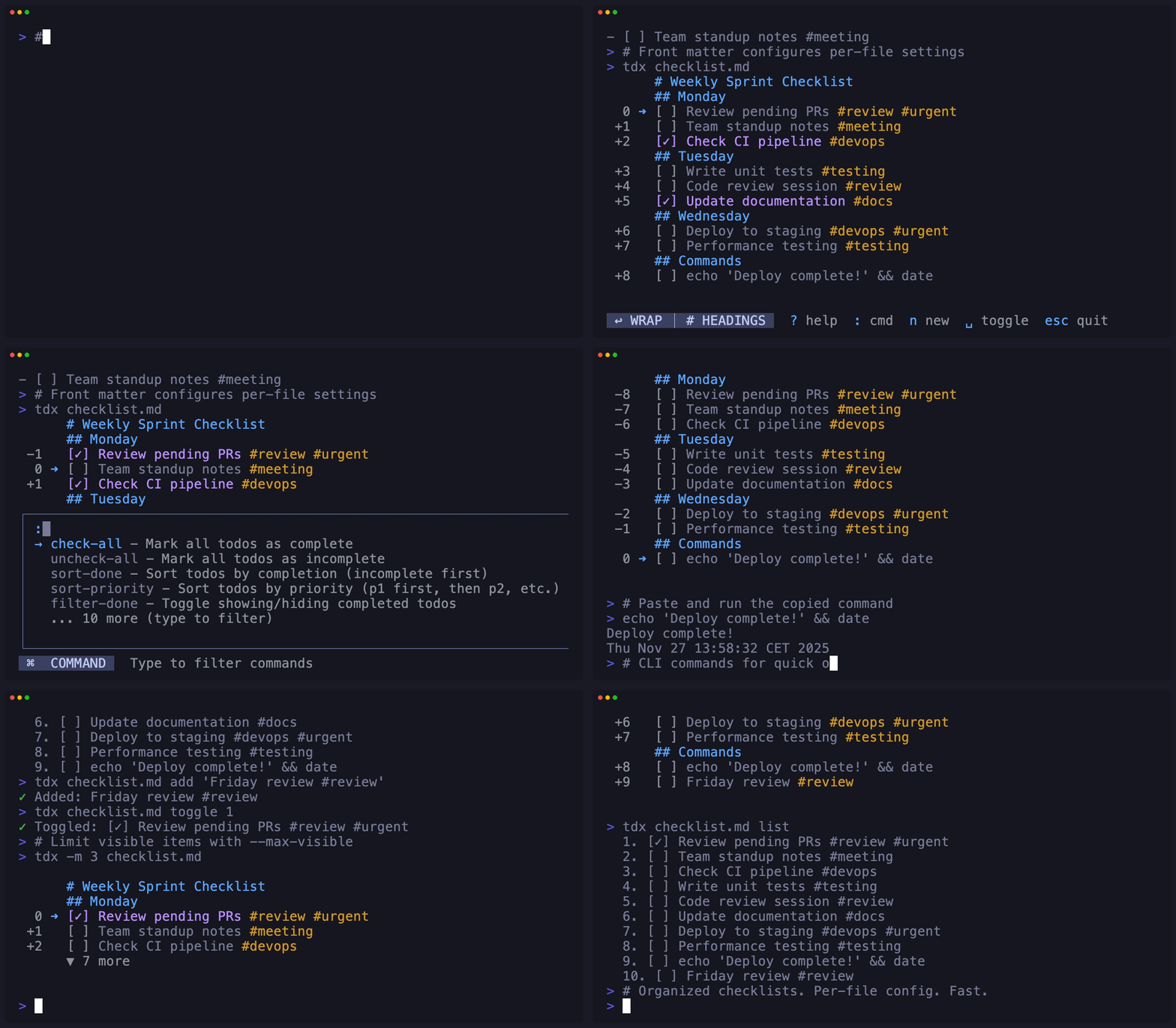
Use YAML frontmatter for per-file settings. Perfect for reusable checklists, read-only templates, and organized project workflows.
Frontmatter Config
Set show-headings,
filter-done, read-only,
and max-visible per file.
Batch Operations
:check-all and
:uncheck-all for quick checklist
resets.
Read-Only Mode
Use -r flag or frontmatter for
view-only checklists and templates.
Keyboard Shortcuts
Command Palette
Press : to open the command palette with fuzzy search.